If you are home educating, you have probably asked yourself this at least once: which apps are actually worth your time? There are so many out there, and it is easy to feel like you need a hundred subscriptions just to keep things organised. The good news is, you do not. A few well-chosen apps can make a real difference, whether you want help with reading, maths, planning, routines, or keeping a simple record of learning.
This guide is written for UK home educating families who want practical, realistic help. We will look at the kinds of apps that are useful, how to choose them, and which ones tend to work well at different ages. We will also cover the bits that matter in the UK, including planning, records, and what to do if you are keeping notes for your own peace of mind or for a Local Authority report. If you want a fuller picture of the legal side as well, it may help to read our guide to understanding home education law and your rights.
What makes a good app for home education?
A good app should make your life easier, not busier. That sounds obvious, but it is easy to get pulled in by shiny features that look impressive and then sit unused after a week. The best apps for home educating families usually do one or more of these things well:
- Support a clear learning goal, such as reading, times tables, spelling, or organisation.
- Are easy for your child to use without lots of adult help.
- Fit into real family life, including siblings, work, and days out.
- Help you save time rather than creating more admin.
- Work alongside your wider home education approach, rather than replacing it.
It is also worth remembering that home education in the UK does not have to look like school at home. Many families mix apps with books, games, outings, nature study, library visits, museums, projects, and practical life skills. If you are still shaping your approach, our page on different home education approaches may help you think through what suits your family best.
What are some good apps for home education?
The best app depends on your child’s age, interests, and what you need most. Rather than trying to find one app that does everything, it is usually better to choose a small handful that each have a clear purpose.
1. Reading and phonics apps
For younger children, reading apps can be a lovely way to practise phonics, blending, and early reading confidence. Look for apps that are simple, visual, and not overloaded with distractions. Some children enjoy short games that reinforce sounds, while others prefer calm repetition and clear progression.
These apps work best when they are used as a small part of a wider reading routine. Read aloud together, use real books, visit the library, and let your child see reading as something useful and enjoyable. If you like having printable support alongside digital learning, the Flybrite Shop has useful phonics and early reading resources for extra practice at home.
2. Maths apps
Maths apps can be brilliant for quick practice, especially for number bonds, times tables, mental arithmetic, and confidence-building. Many children enjoy the instant feedback and game-like feel. The best ones let you adjust the level, so your child is challenged without feeling stuck.
For UK home educating families, maths apps are often most helpful when paired with real-life maths. Cooking, shopping, measuring, telling the time, and handling pocket money all give maths a purpose. If your child needs extra support with multiplication, you may also find the Flybrite Shop’s times tables resources useful for short, focused practice.
3. Writing, spelling and handwriting apps
If your child finds writing tricky, an app can reduce the barrier to getting started. Some apps support handwriting formation, while others help with spelling, sentence building, or typing. This can be especially useful for reluctant writers, children with additional needs, or those who simply need a gentler start.
That said, screen-based writing should not be the only option. Many children still benefit from pencil work, tracing, copywork, whiteboards, and oral storytelling. If your child likes practising letter formation on paper, the Flybrite Shop has handwriting and tracing resources that can sit neatly alongside app-based learning.
4. Planning and organisation apps
One of the biggest challenges in home education is not finding resources, it is keeping everything organised. Planning apps can help you map out the week, track what you have covered, and keep a simple routine without making things feel rigid. Some families use a shared family calendar, while others prefer a home education planner with tasks, reminders, and notes.
If you like the idea of a visual weekly structure, the Flybrite Shop also offers planning and timetable resources that can help children see what is coming next. For many families, a mix of digital planning and a printed visual routine works really well.
5. Learning record and portfolio apps
If you want to keep track of what your child is doing, this is where the right app can save a huge amount of time. A good learning record app lets you capture notes, photos for your own family record, links, and reflections in one place. That can be especially helpful if you are juggling multiple children, different subjects, or a busy week full of real-life learning.
This is also where Flybrite stands out for UK home educating families. It is designed to turn everyday moments into a tidy, LA-ready record in minutes, without making you build a complicated system from scratch. You can read more about how Flybrite works if you want to see how simple logging can be.
What apps are best for different ages?
There is no single best app for every child, because age and stage matter so much. Here is a simple way to think about it.
Early years
For younger children, choose apps that are short, colourful, and easy to navigate. The focus should be on sounds, counting, shapes, fine motor skills, and playful learning. Too much screen time can make little ones restless, so shorter sessions are usually best.
For this age, app time often works best after active learning, not before it. A child might play outside, build with blocks, listen to a story, and then do five minutes on a phonics app. That keeps the learning balanced and natural.
Primary age
Primary-aged children often enjoy apps that feel like games but still build real skills. Maths practice, spelling, typing, geography quizzes, and creative story apps can all be useful. At this stage, many families look for apps that give enough structure without removing the joy from learning.
It is also a good time to build independence. If your child can log into an app, complete a task, and show you what they have done, that can give them a real sense of ownership over their learning.
Secondary age and GCSE years
For older home-educated children, apps can support revision, planning, note-taking, and exam preparation. This is particularly useful if your child is working towards GCSEs as a private candidate. Revision apps, flashcard tools, quiz apps, and subject-specific platforms can help them stay organised and practise regularly.
At this stage, the app should support a bigger plan, not become the plan itself. A clear timetable, realistic goals, and regular review matter more than having lots of different apps. If you are planning this stage, our home education curriculum planning guide can help you shape a sensible year.
How can apps help with home education records?
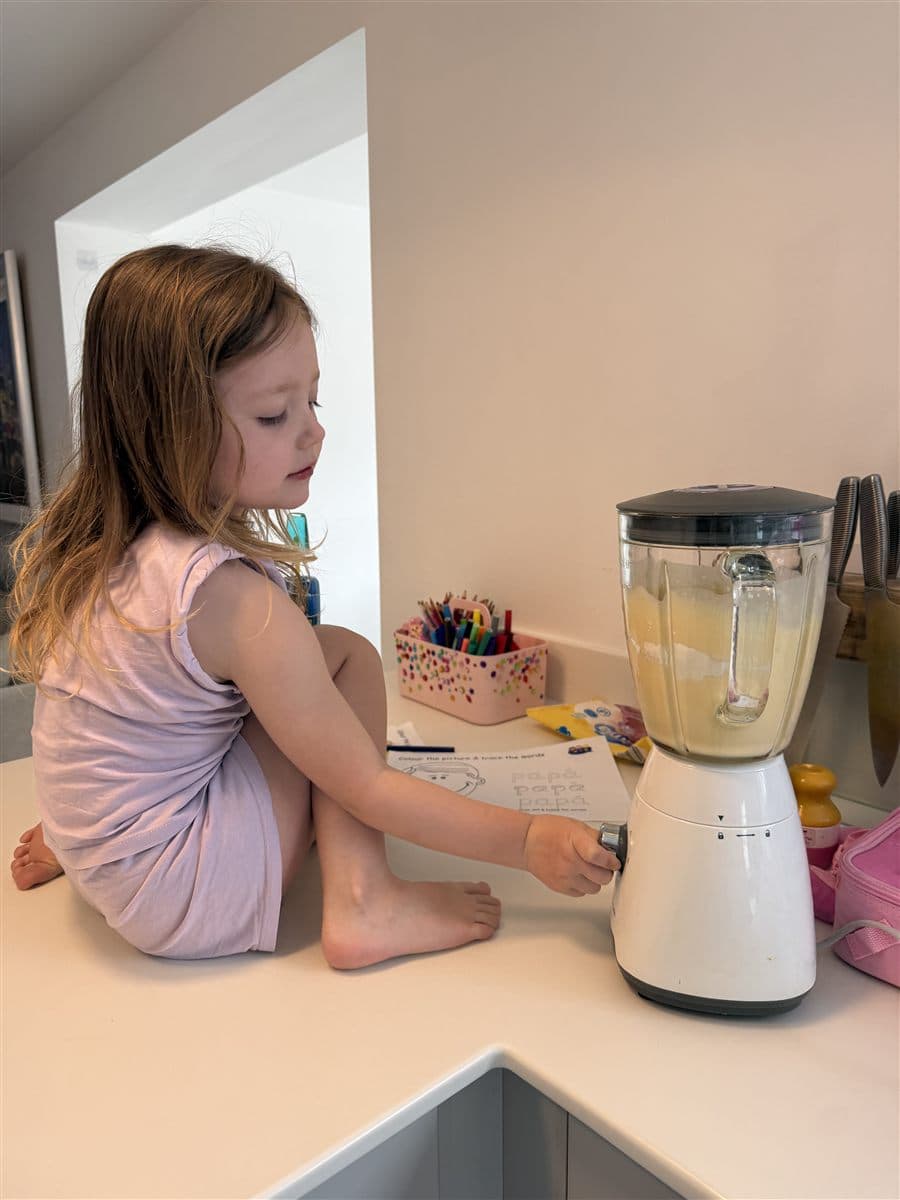
Many home educating parents want a simple way to remember what their child has done, especially when the week has been full of messy, real-life learning. This is where apps can be very helpful. They can help you note down a museum visit, a science experiment, a library book, a maths game, or a conversation that showed real understanding.
In England, parents are responsible for providing a suitable education under section 7 of the Education Act 1996. You do not need Local Authority approval, and the National Curriculum is not required. If a Local Authority makes informal enquiries, the evidence of education is your own written account. You are not under any legal obligation to produce specific evidence, and you should never feel pushed into sending photos or samples of work. Photos can be useful for your own records, but they are for your family, not something the Local Authority is entitled to.
For families who want to keep things simple, Flybrite is a very practical option. It helps you record learning as you go, so you are not trying to reconstruct three months of home education from memory. That can make life much calmer if you ever need to explain what learning looks like in your home. If you expect occasional contact from your Local Authority and want to understand the process better, our page on Local Authority contact and reporting is a useful starting point.
What should you look for before choosing an app?
Before you download anything, ask yourself these questions:
- Does this app match a real need in our home education routine?
- Will my child be able to use it without constant help?
- Does it suit my child’s age and attention span?
- Can I use it alongside books, outings, and practical learning?
- Is it easy to record or review what my child has done?
- Will it save time, or will it create another job for me?
If the answer to most of those is yes, it is probably worth trying. If not, you may be better off keeping things simple.
Practical tips for using apps well in home education
Apps can be brilliant, but they work best when they are used with a bit of intention. Here are some practical tips that many UK home educating families find helpful:
- Start small. Choose one or two apps first, not ten.
- Set a purpose. Use each app for a clear reason, such as reading practice or weekly planning.
- Keep sessions short. Short, regular use often works better than long bursts.
- Mix digital and offline learning. Books, games, outdoor learning, and real-life tasks still matter.
- Review every few weeks. If an app is not being used, let it go.
- Keep your own notes. A simple log of what worked can save time later.
If you are a visual planner, you may also like browsing the Flybrite Shop for practical home education printables that support routines, rewards, and independent learning. A calm, well-organised environment often makes apps work better too.
How Flybrite helps busy UK home educating families
Many families start with a mix of notes, photos, screenshots, and half-finished planners. That can work for a while, but it often becomes messy very quickly. Flybrite is built to solve exactly that problem. It helps you keep a tidy record of learning without turning home education into admin.
Instead of spending ages sorting through your camera roll or trying to remember what happened last Tuesday, you can log everyday moments as you go. A trip to the library, a maths game, a nature walk, a recipe, a science experiment, all of it can become part of a clear, organised record. That is why so many UK families trust Flybrite to keep things simple.
If you want to see the practical side, take a look at how Flybrite turns everyday learning into a record. If you are comparing options, the pricing and free trial page explains how you can try it without risk.
Frequently asked questions
What are the best free apps for home education?
The best free apps are usually the ones that do one job well, such as phonics practice, flashcards, or simple maths games. Free can be a great place to start, especially if you are still figuring out what your child enjoys.
Do apps count as home education?
Apps can be part of home education, but they should not be the whole picture. Most children learn best through a mix of digital tools, books, conversation, practical activities, and real-world experiences.
Can I use apps to keep home education records?
Yes, apps can be a very useful way to keep your own records. They are especially handy if you want to note what your child has done each week without creating extra paperwork.
Do I need to send app records to the Local Authority?
No, you are not under any legal obligation to provide specific evidence such as photos or samples of work. If the Local Authority makes informal enquiries, your own written account is the important part. Photos can stay in your family record.
What is the easiest way to keep track of home education?
The easiest way is usually the one you will actually keep using. For many families, a simple app that logs learning as it happens is far easier than trying to build a system from scratch. Flybrite is designed for exactly that, making it easier to keep a tidy, LA-ready record in minutes.
Final thoughts
Good apps can make home education feel lighter, calmer, and more manageable. The key is not to chase every new tool, but to choose a few that genuinely support your child and fit your family life. Whether you need help with reading, maths, planning, or keeping records, there are apps that can save you time and reduce stress.
If you want one place to keep learning organised without the faff, Flybrite is a sensible next step. Thousands of UK families already trust it to turn everyday moments into a tidy, LA-ready record in minutes. Ready to make home education simpler? Start your free 7-day trial of Flybrite today: no card to start, and the record stays yours. See how everyday moments become a tidy, LA-ready record in minutes. Start your free 7-day trial.